Mouse Pad Bowtie: A Practical Guide to a Creative Desk Upgrade
Why a Mouse Pad Bowtie Is More Than Just a Desk Accessory
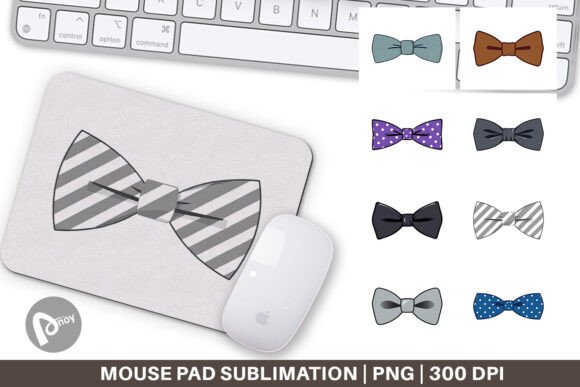
A Mouse Pad Bowtie is exactly what it sounds like: a mouse pad cut into the classic bowtie shape, often created through sublimation printing for vivid, lasting color. It’s a small but deliberate design choice that turns a functional item into a personal style statement. Whether you’re setting up a home office, refreshing a gaming rig, or simply want your desk to feel less corporate, this shaped pad offers a playful yet professional aesthetic.
Because the design is applied via sublimation mouse pad techniques, the artwork becomes part of the surface rather than sitting on top of it. That means no peeling, no cracking, and a smooth glide for your mouse. People are drawn to this combination of form and function, but the difference between a great result and a disappointing one often comes down to a few overlooked details.
If you’re considering a bowtie-shaped pad or already have one in mind, understanding what to watch for can save you time, money, and frustration. The following points cover the most common mistakes people make when choosing, using, printing, or buying these pads, along with practical ways to avoid them.
Assuming One Size Fits All Desk Setups
Bowtie mouse pads are not one-size-fits-all. A common error is picking one based only on appearance, without checking whether the dimensions suit your actual workspace. If the pad is too small, your mouse may run off the edge during a critical task or gaming moment. If it’s too large, it can crowd your keyboard or other items, creating clutter rather than elegance.
The specific file dimensions you’ll receive are 9.5 x 8.1 inches at 300 dpi, which is a carefully balanced size for most standard desks. Before ordering, measure the area where the pad will sit. Make sure you have enough clearance for full mouse movement in every direction. If your desk is narrow or already packed, check that the bowtie shape won’t overlap with your keyboard tray or wrist rest.
Ignoring the Shape’s Impact on Mouse Movement
The bowtie shape is not a rectangle. The curved edges and pointed ends mean the usable gliding area is smaller than the total surface. Some people expect to have the same range of motion as a traditional rectangular pad, only to find their mouse lifts off the pad when moving diagonally or to the far corners.
To avoid this, think about how you use your mouse. If you tend to use high DPI settings and small movements, the bowtie shape works beautifully. If you prefer low DPI with broad sweeps, you may need a larger version or a different shape. The key is matching the pad to your actual movement patterns, not just the look.
Using Low-Resolution or Poorly Sized Artwork
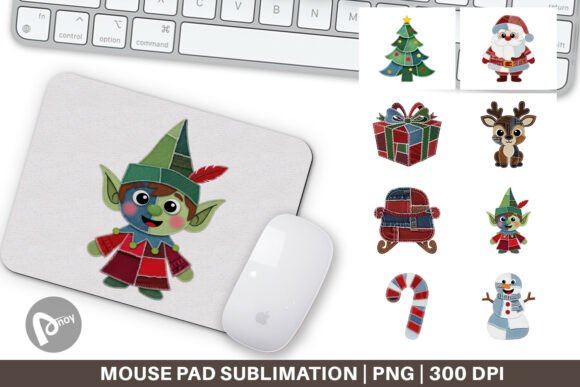
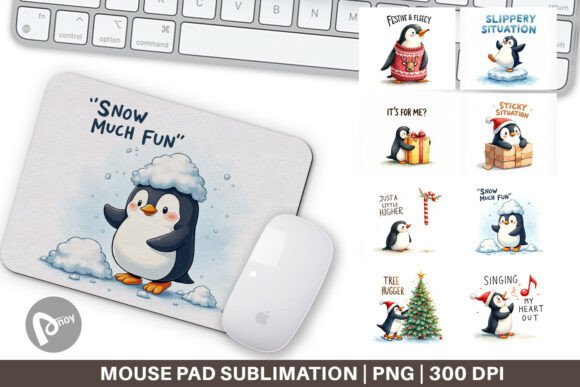
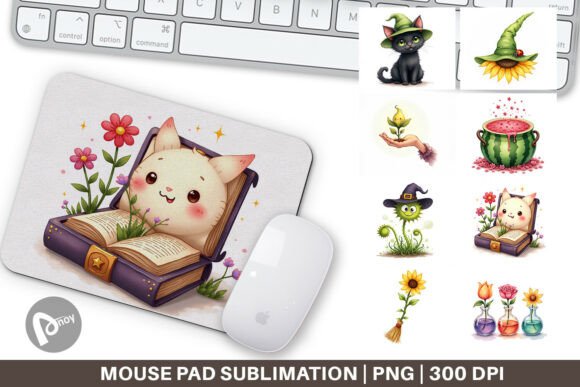
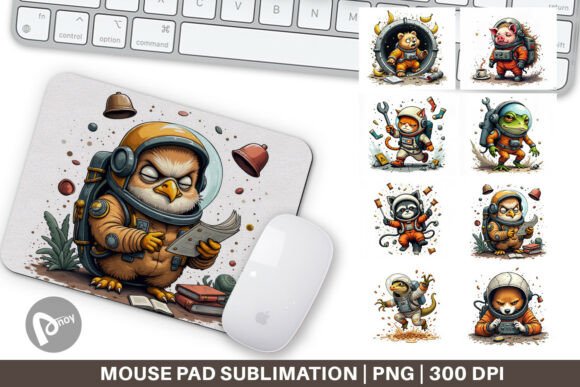
The quality of your final pad depends heavily on the file you start with. You will receive a PNG file set of 8 files, each 9.5 x 8.1 inches at 300 dpi. This resolution is essential for crisp edges and smooth gradients. A lower resolution will result in pixelation, especially on the curved edges of the bowtie shape where the design has to follow the contour.
A common mistake is downloading a generic image from the web and resizing it to fit, without checking the original DPI. That usually leads to blurry prints. Always start with a file that meets or exceeds 300 dpi at the exact print size. If you’re designing your own artwork, set your canvas to those exact dimensions before you begin.
Forgetting About Bleed and Safety Margins
Because the bowtie shape has irregular edges, your design needs to extend slightly beyond the cut line to avoid white gaps. This is called bleed. Many people mistakenly place their artwork exactly within the visible shape, not realizing that slight shifts during printing or cutting can leave unprinted borders.
The safest approach is to use a template that includes guides for bleed and safety margins. Keep important elements like text or faces well inside the safety zone, and let backgrounds or patterns run into the bleed area. This is one of the most common oversights, and it’s also one of the easiest to fix once you know to check for it.
Choosing the Wrong Base for Your Surface
Not all mouse pads are built the same. A sublimation mouse pad typically has a polyester top layer for the print and a rubber or neoprene base for grip. However, some cheaper options use thinner bases that wrinkle or slide during use. A pad that shifts while you work is not just annoying; it can affect cursor precision and slow you down.
Look for a base that is thick enough to stay flat, at least 2-3 mm, and has a non-slip texture. If you plan to use the pad on a glass desk or a glossy surface, check that the grip material is designed for that. You can test this by placing the pad on your desk and trying to push it sideways. If it moves easily, it will likely move during use.
Overlooking Edge Finishing and Durability
The bowtie shape has tight curves and pointed tips. These areas are prone to fraying or peeling if the edge finishing is poor. Some pads are stitched around the edge, which adds durability but can create a raised lip that bothers some users. Others are laser-cut without stitching, which gives a smooth edge but may be less durable over time.
Consider how you use the pad. If you rest your wrist on the edge frequently, a stitched edge might feel rough. If you tend to slide the pad around, a stitched edge will hold up better. There is no universal right answer, but being aware of the trade-off helps you choose what matches your habits.
Placing the Pad in a High-Traffic or Unstable Area
Because the bowtie shape is distinctive, people often want to display it prominently. That can lead to placing it where it gets bumped by coffee cups, notebooks, or elbow rests. Over time, this can cause the edges to lift or the base to wear unevenly.
The best position is one where the pad is stable and not competing with other desk items. Leave a small buffer zone around it. If you use a wrist rest, make sure it doesn’t press into the pad’s edge at an angle, as that can cause delamination.
Cleaning It the Wrong Way
Sublimation prints are durable, but they are not indestructible. A frequent mistake is scrubbing the surface with rough sponges or using alcohol-based cleaners. This can dull the print or weaken the top layer. Another common error is putting the pad in direct sunlight for long periods, which can cause the colors to fade over months.
To keep your pad looking new, wipe it gently with a damp, soft cloth and mild soap if needed. Let it air dry flat, away from heat sources. Avoid folding or rolling it tightly, especially along the pointed ends of the bowtie shape, as that can create permanent creases.
How to Avoid These Mistakes and Get the Best Result
The path to a satisfying Mouse Pad Bowtie experience starts before you even place an order. Take a moment to map out your desk layout, measure the available space, and think about your mouse habits. Then, when you prepare or choose your artwork, respect the dimensions and resolution requirements. The 8-file PNG set at 9.5 x 8.1 inches and 300 dpi is your starting point, not a suggestion.
If you are printing at home or through a service, confirm that your printer or provider can handle sublimation correctly. Ask about color calibration if you are matching a specific brand or scheme. Test a small sample if possible, or at least review a proof before committing to the full run.
Once you have the pad, set it up with intention. Give it a stable spot where it can do its job without interference. Clean it gently and store it flat. These small steps turn a novelty item into a reliable tool that also brings a smile to your face every time you sit down.
Creative desk accessories like this one can genuinely improve your comfort and focus, but only when chosen and used thoughtfully. By avoiding the common pitfalls around size, print quality, material, and care, you can enjoy a Mouse Pad Bowtie that looks great, glides smoothly, and lasts for years. Whether you are a freelancer, gamer, or entrepreneur, this small upgrade can make your workspace feel more like your own.